AI can make a great t-shirt design, but you have to tell it to think like a screen printer.
If you’re using AI to create a t-shirt graphic, the prompt you write can have a big impact on how useful the final design is for printing. A prompt that produces an impressive image on a screen may result in a design that’s difficult or expensive to reproduce with screen printing.
The biggest tip we’d give customers is: begin with the end in mind.
Designs for screen printing are separated into individual colors before each color is recreated with ink onto the shirt. The more colors and intricate details a design has, the more complicated the printing process can become. Keeping that process in mind while creating your AI prompt can help you get a design that’s easier to prepare and print.
Here are a few things to include in your prompt.
1. Give AI Specific Context
A broad theme will generate generic images that don’t have much connection to the purpose of your shirt. Instead, give AI some context about why you’re making the shirt and who it’s for.
For example, instead of saying:
“Make me a cool fishing shirt.”
Try something more specific:
“I’m hosting a bass fishing tournament at Lake Williams, and I need you to create a t-shirt design for the participants and volunteers.”
This gives AI more information to work with and helps guide the design toward the event, audience, and purpose of the shirt.
2. Tell AI How Many Ink Colors You Want
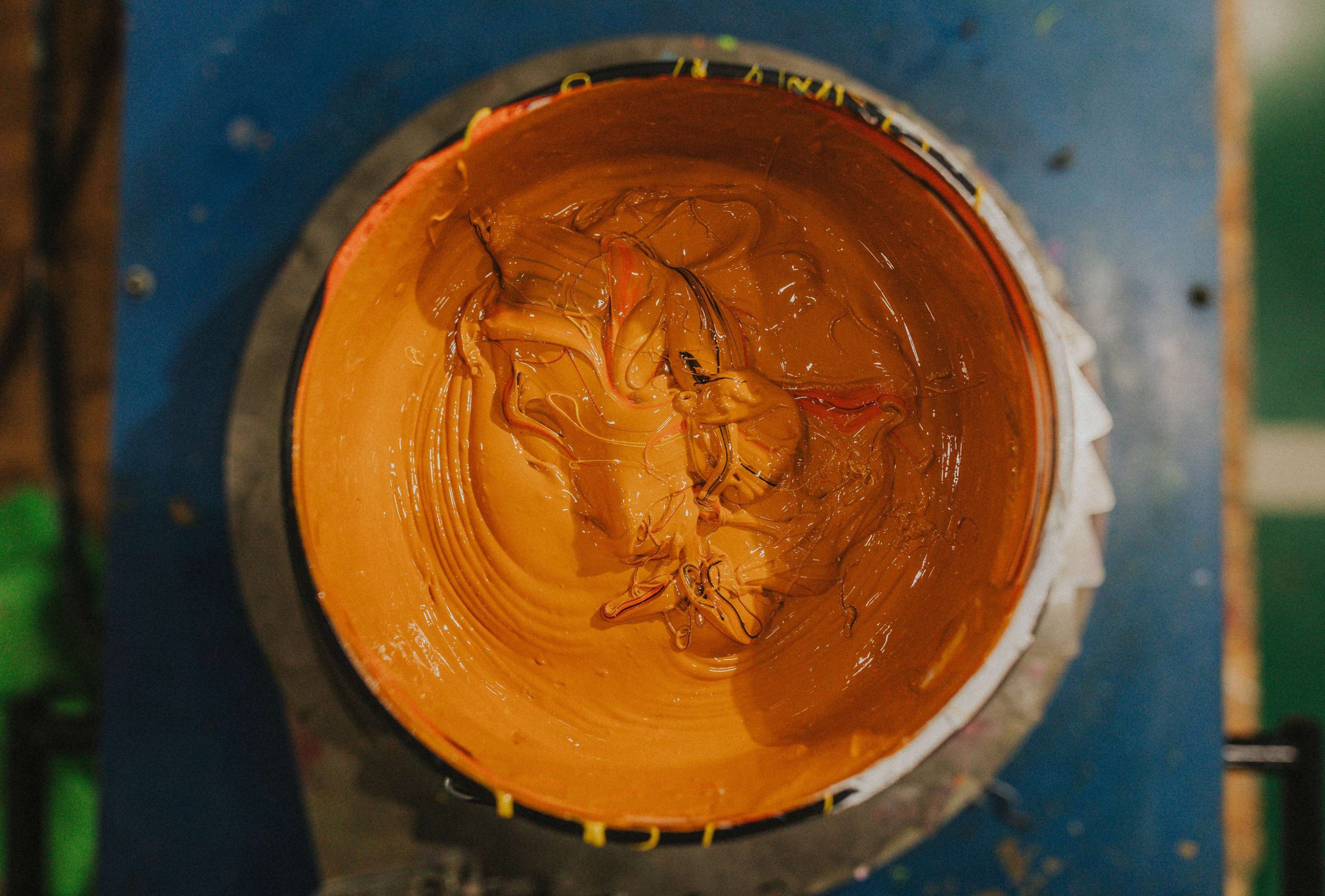
The more colors your design uses, the higher your print cost will be. Limiting the number of colors can help keep the design and printing costs more manageable.
Give AI instructions like:
“Create a 3-color design using cream, orange and light blue. It will be printed on navy t-shirts.”
You can also instruct AI to use the t-shirt color as part of the design:
“Use the navy shirt color as negative space throughout the illustration.”
This can make AI-generated graphics substantially more screen-print friendly. Instead of covering the shirt with a large graphic made entirely from ink, the shirt color becomes part of the design.
3. Ask for Flat, Solid Colors
Bold, simple, intentional graphics are generally easier to print than designs filled with subtle shading and delicate details.
You can help control the output by using words like flat colors, spot colors, bold shapes, or vector-style graphics. These terms steer AI away from subtle photographic details that can be difficult or costly to reproduce with screen printing.
It’s worth noting that most AI text-to-image models don’t actually produce vector graphics. They can, however, produce vector-style graphics that are easier to vectorize when the design is prepared for printing.
4. Ask for Bold Detail, Not Tiny Detail
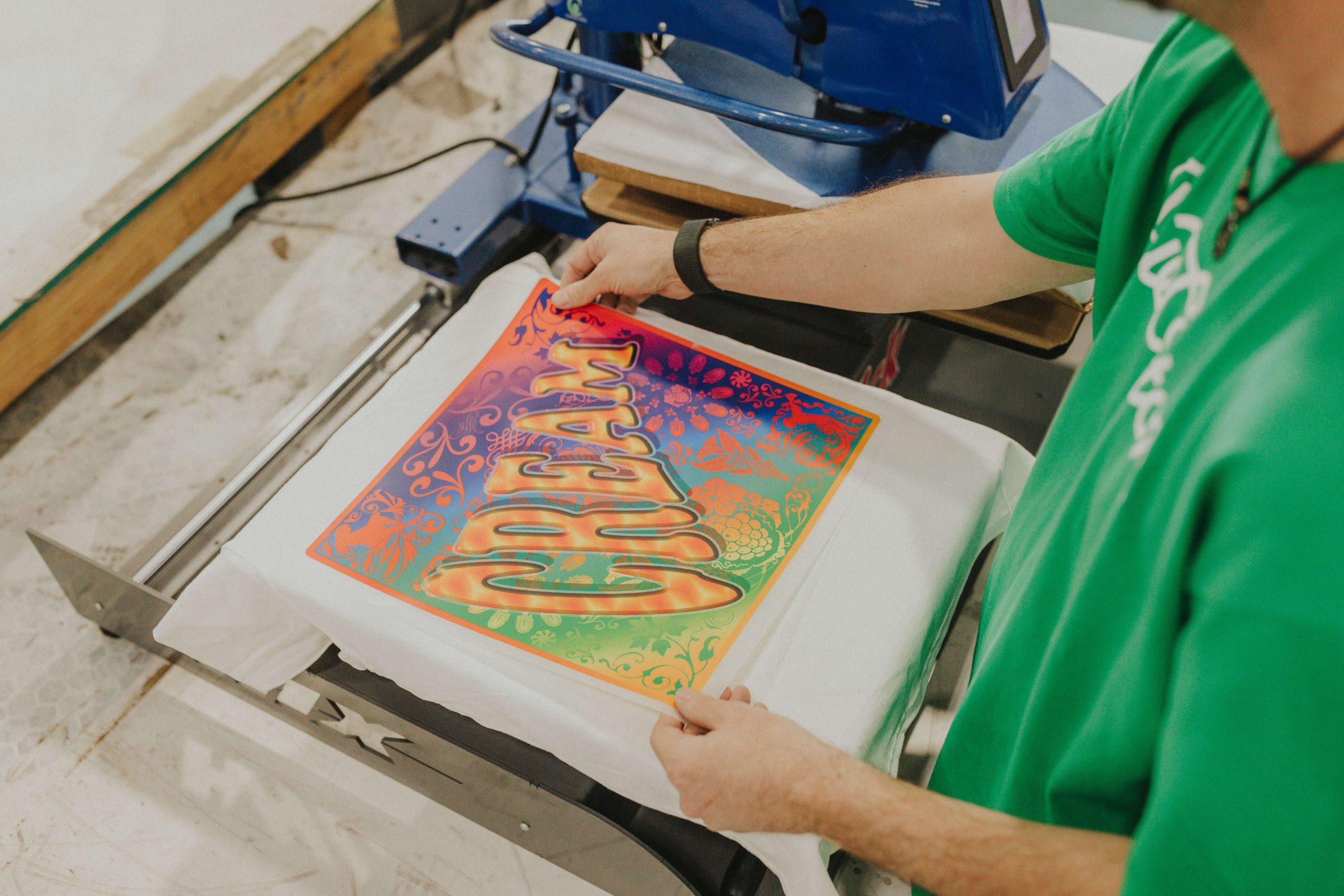
AI loves adding a million little scratches, tiny lines, speckles, and subtle details. That can look fantastic on a monitor but become difficult to reproduce when the design is reduced to a 12-inch-wide shirt print.
Instead, use language like:
“Use bold, simplified shapes and thick lines with clearly defined details.”
You’ll also want to avoid phrases like:
“Highly detailed, ultra realistic, intricate, cinematic, 8K, photorealistic…”
These prompts push AI toward the kind of intricate imagery that works well for viewing on a screen but can be the opposite of what you want when creating an economical, easily separated spot-color screen print.
5. Give AI a Hierarchy
If you have a focal point in mind, say so in your prompt. This can dramatically improve the composition.
Instead of listing 12 things you want and giving them equal importance, tell AI what should be the main focus and which elements should play supporting roles.
For example:
“The largemouth bass should be the main focal point. A fishing boat and pine trees should be secondary elements. The mountains should only be background accents.”
This gives AI a clearer idea of how the different elements should be arranged and prevents every part of the design from competing for attention.
A Good All-Purpose Prompt Formula
When creating an AI prompt for a screen-printed t-shirt, a useful formula is:
SUBJECT + SHIRT COLOR + NUMBER OF INKS + ART STYLE + SIMPLIFICATION + COMPOSITION
For example, it would look like:
“I’m hosting a bass fishing tournament, and you’ll create a t-shirt design for the participants. Create a vintage outdoors T-shirt graphic featuring a largemouth bass jumping from the lake. Add a fishing boat and pine trees, with mountains in the background. It will be printed on a dark navy T-shirt using three spot ink colors: cream, orange and light blue. Use bold graphic shapes, strong outlines and simplified details. Allow the navy shirt to show through as negative space. Use a strong centered composition with no rectangular background.”
That prompt gives AI information about the purpose of the shirt, the subject, shirt color, number of inks, art style, level of detail, and composition. It’s much more likely to produce something useful for a screen-printed t-shirt than a broad prompt like:
“Make me a cool fishing shirt.”
Think Like a Screen Printer
AI can be a useful starting point for creating a t-shirt design, especially when you give it clear instructions about the final product.
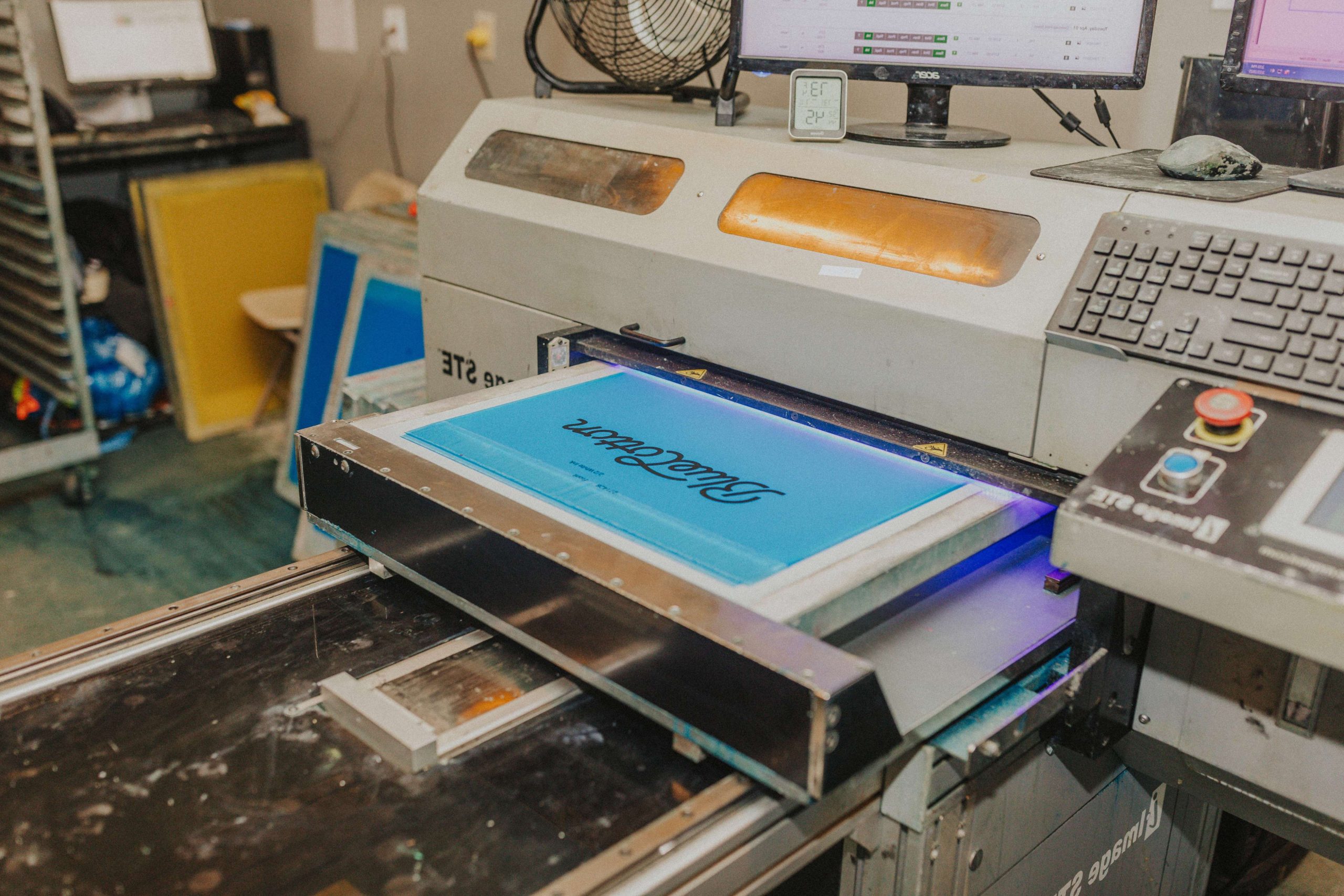
The key is to think about what will happen after the image is generated. Screen printing involves separating the artwork into individual ink colors and transferring those colors onto the shirt. A design with a clear color palette, bold shapes, strong details, and a defined composition gives you a more practical starting point for that process.
So when you’re writing your next AI prompt, begin with the end in mind. The more clearly you communicate how the design will be printed, the more useful the result can be.