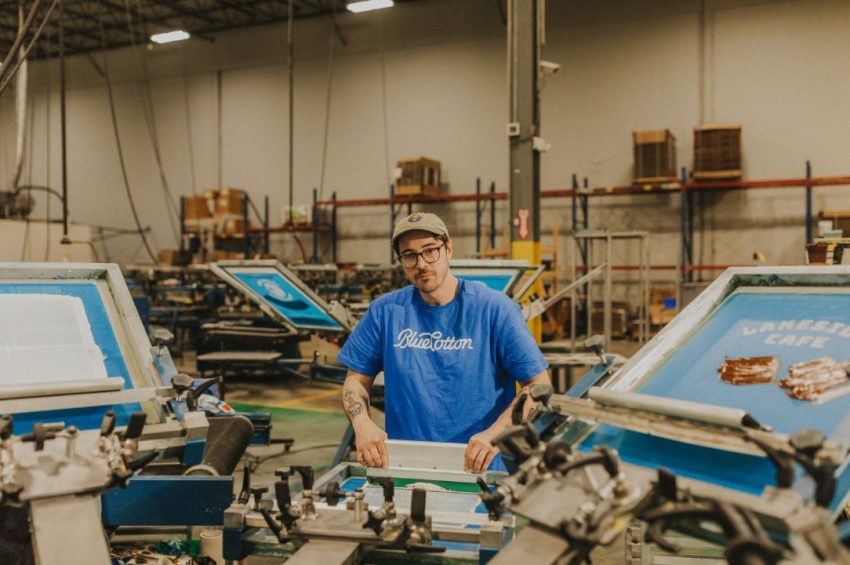
Screen-printed designs are generally quite sturdy and can handle regular wear and washing without much impact. This is largely thanks to the methodology: the ink used in screen printing is cured with heat and bonded to the fabric, giving it extra durability and flexibility.
However, like all garments, repeated washing slowly takes a toll on both the fabric and the printed surface.
Although screen printing is designed to withstand repeated use, washing exposes the print to water temperature changes, chemical detergents, and mechanical agitation from the washer drum and other garments. Over time, these factors weaken the bond between the ink and the fabric fibers. For example, high heat can soften the ink and make it more prone to cracking, while friction causes gradual surface abrasion. Strong detergents and bleaching agents can break down pigments and dull the appearance of the design.
Thankfully, there are certain safe washing practices you can implement to keep your shirt clean and your designs fresh. And while the overall process may vary depending on the fabric material, these should serve as a good rule of thumb for making sure it looks great for as long as possible.
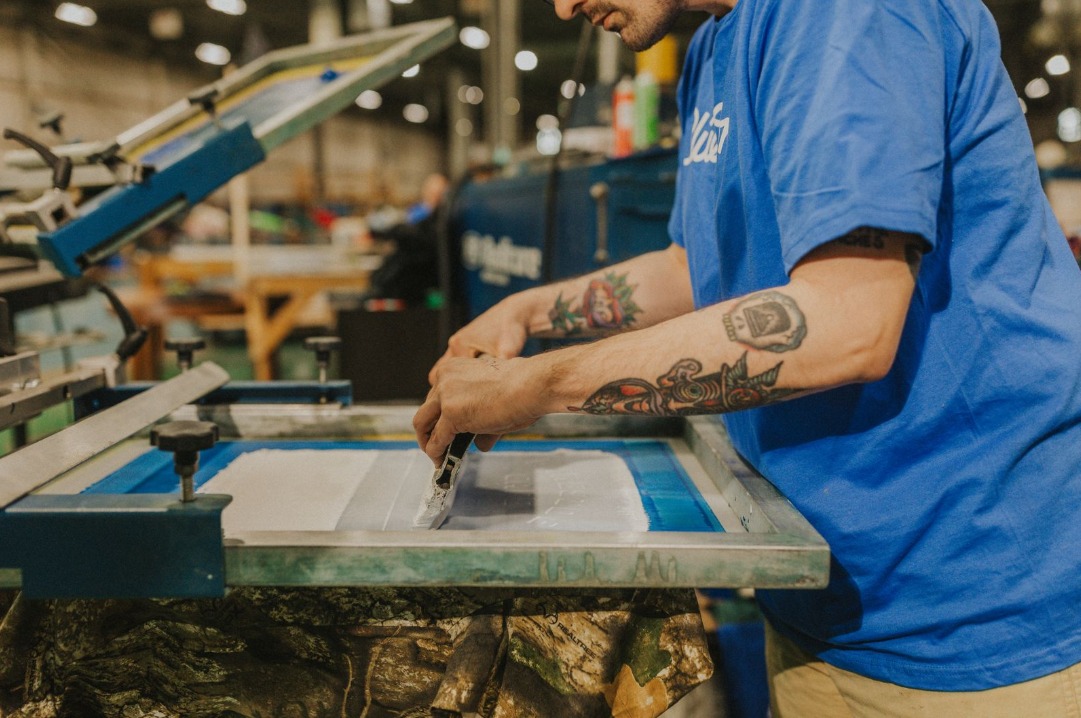
7 Tips on How to Wash Screen-Printed Shirts
1. Wash Inside Out
During the wash cycle, your clothing is constantly rubbing against other fabrics, seams, zippers, and buttons. And if your printed surface is exposed to this friction, it can lead to cracking, peeling, or thinning of the ink layer.
So the most important habit to adopt when washing screen-printed shirts is turning them inside out before placing them in the washer. This reduces direct contact between the printed surface and the drum of the washing machine, as well as other garments in the load.
2. Use Cold Water
Temperature plays a significant role in how screen-printed ink behaves over time.
When exposed repeatedly to hot water, most inks become more flexible in the short term but more brittle over time, eventually causing micro-cracks to form in the print layer. These cracks expand with further washing and eventually become visible as flaking or splitting across the design.
Cold water, on the other hand, is the safest choice for maintaining both fabric integrity and print quality. Cotton shrinks and weakens more quickly in warm or hot water, which increases tension on the printed area as the shirt changes shape. Polyester and blended fabrics can also suffer heat-related distortion that places stress on the ink layer.
Cold water also reduces fading in both the shirt fabric and the printed pigments, which is especially important for dark garments or multi-color designs where color clarity is part of the overall appearance.
3. Choose a Gentle Cycle
Aggressive wash cycles are designed for heavily soiled items and thick fabrics. The problem is that they involve repeatedly twisting and agitating garments during the cycle. For screen-printed shirts, this motion increases friction and stretches the ink layer, eventually causing the print to lose elasticity and develop cracks — particularly in large solid areas of ink.
A gentle or delicate wash cycle involves less agitation and reduces stress on the print, still cleaning the garment effectively while minimizing unnecessary mechanical strain. This is especially important for shirts with large prints, fine detail, or multiple ink layers, which are more susceptible to wear from constant movement.
Keep in mind that other items you wash your custom apparel with can impact the quality of the print. While screen prints are generally quite durable, zippers, snaps, and Velcro can still catch on the ink layer, causing peeling or scratching. Shirts, athletic wear, and soft cotton fabrics move more evenly together and produce less mechanical stress.
4. Use Mild Detergent and Avoid Harsh Chemicals
Harsh detergents often contain strong enzymes, brightening agents, or bleaching compounds intended to break down stains and remove oils. These chemicals can slowly degrade the pigments used in screen printing inks, resulting in duller colors and a rougher texture on the printed surface.
Even color-safe bleach can weaken ink adhesion and cause uneven fading, while strong stain removers and oxygen-based cleaners can lift or discolor portions of the print if they come into direct contact with it.
Mild detergents formulated for colors or delicate fabrics are best suited for printed garments. Most notably, liquid detergents dissolve more evenly in water and are less likely to leave residue on the printed area than powdered detergents — residue that would otherwise cause stiffness and reduce the flexibility of the ink layer.
5. Hang Dry or Tumble Dry on Low Heat
While using heat during the wash cycle can certainly harm a print, heat-drying can be even more damaging. High heat can soften plastisol ink, causing it to stick to itself or other garments and damaging the printed surface. Over-drying also removes too much moisture from the fibers, making both the fabric and the ink more brittle. While these are risks, screen-printed tees and sweatshirts can hold up to 50–75 washes and dry with very little degradation.
That’s why air-drying is the safest method. It eliminates heat exposure entirely and allows the fabric and ink to dry naturally. Hanging the shirt inside out or laying it flat reduces the risk of stretching and prevents sunlight from fading the print (direct exposure to strong sunlight can gradually bleach pigments in both fabric and ink).
If a dryer is used, a low heat or tumble dry setting is recommended, and removing shirts while they are still slightly damp further reduces heat exposure and helps prevent deep wrinkles that can form across printed areas.
6. Do Not Iron Directly Over the Print
Ironing introduces concentrated heat directly onto the surface of the ink, which can quickly melt or warp the printed layer and permanently damage the design. Direct contact with an iron can quickly flatten or smear the ink, causing distortion and shine marks. This is not trueAdditionally, water-based inks can even scorch under high temperatures — even brief contact can leave visible damage.
If ironing is necessary, the shirt should be turned inside out and pressed on the reverse side. Placing a cloth or towel between the iron and the fabric provides additional protection, and using the lowest heat setting appropriate for the fabric further reduces risk. Steamers are generally safer than irons because they do not press directly onto the print surface.
7. Hand Washing as a Safe Alternative
Although machine washing your screen-printed shirts is generally safe with the tips above, you can always opt for hand washing your most precious pieces. This allows full control over water temperature and agitation.
Cold water combined with a mild detergent cleans the garment without subjecting it to the twisting and spinning of a machine cycle. Gently moving the shirt through the water is sufficient to remove dirt and oils without scrubbing the printed area. After rinsing, excess water should be pressed out using a towel rather than wringing the shirt, since twisting can stretch both fabric and ink. Ideally, the shirt should then be laid flat or hung to air dry away from direct sunlight or heat sources.
Dos and Don’ts
Here’s a quick recap if you want a handy list of things to do (and not do) when washing your printed shirts:
Do:
- Turn shirts inside out before washing.
- Wash in cold water.
- Use gentle or delicate wash cycles.
- Choose mild detergents and avoid bleach.
- Air dry or tumble dry on low heat.
- Wash with similar lightweight fabrics.
- Iron on the reverse side only, never directly on the print.
- Hand wash when maximum protection is needed.
Don’t:
- Use hot water or high-heat drying cycles.
- Iron directly over the printed surface.
- Dry clean screen-printed shirts.
Why Proper Washing Matters
In a screen-printed shirt, heat, friction, and chemicals slowly compromise the bond between the ink and the fibers. And once this bond weakens, cracking and fading become unavoidable. To avoid this, just remember: cold water, mild detergent, gentle cycles, reduced heat, and limited friction.
However, don’t think you have to handle screen-printed apparel with kid gloves. They tend to be extremely durable and can withstand a lot of washing and drying. But over time, these tips can add up: Shirts washed with care retain clearer designs, softer textures, and better overall appearance than those exposed to heat and harsh washing conditions.