When designing t-shirts for your team, business, or your next fundraiser, the placement of your logo can make a big difference in the overall look of your shirt. A simple logo on the left chest creates a completely different feel than a large design across the front or back.
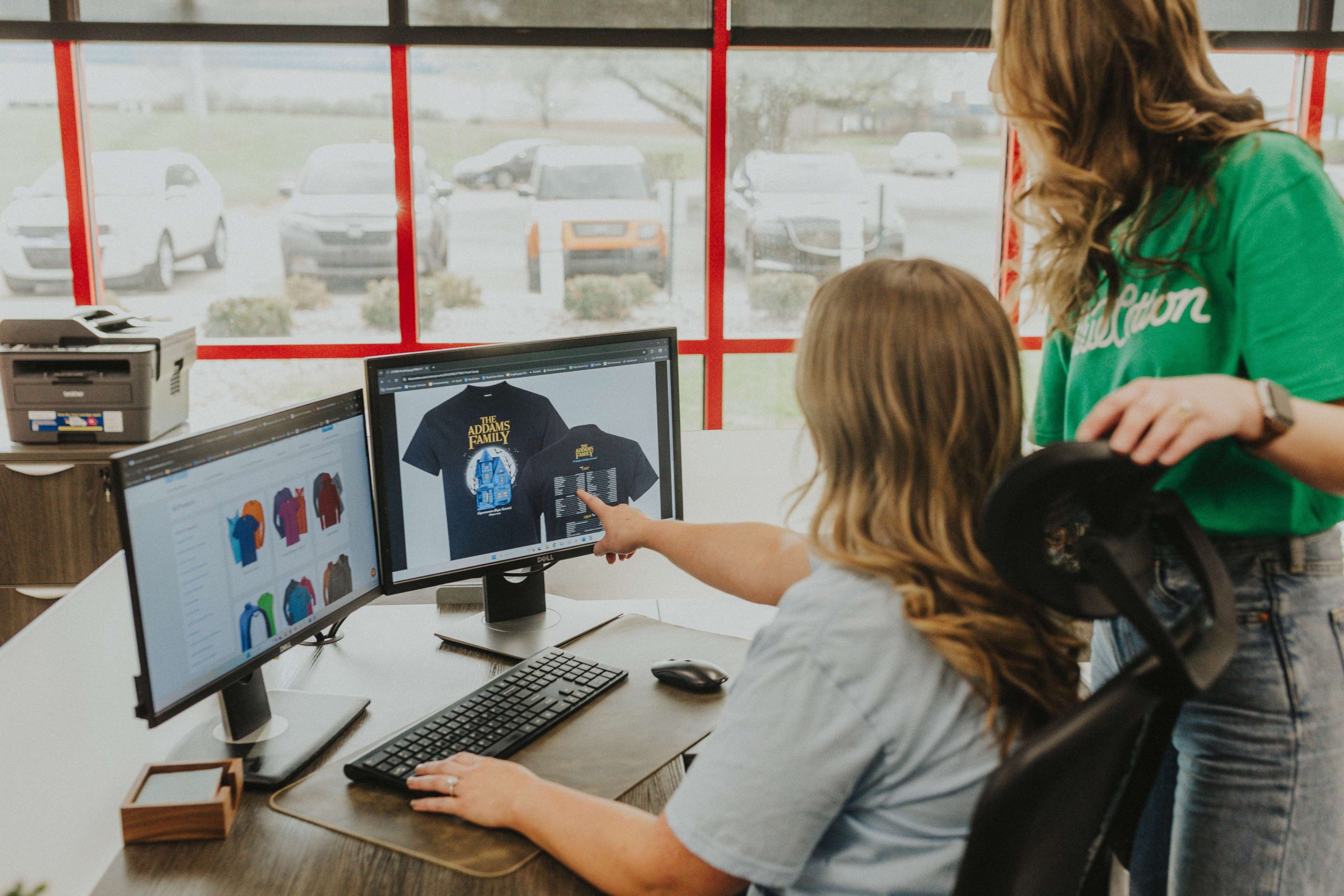
Our Design Studio makes it easy to customize your logo placement as well as text, numbers, and more. It allows you to layer, clone, flip, and center your artwork so your design is flawless and ready to print.
Here are some of the most popular t-shirt logo placements with information on where to put your design on crew necks, tank tops, long-sleeve shirts, and more.
Common Measurements to Keep in Mind
Before deciding where to put your logo, it’s helpful to know how much space is available for each placement. The maximum design measurements for common placement options are:
| Design Placement | Max Design Measurement |
| Front | 13”w x 16”h |
| Back | 13”w x 16”h |
| Sleeve – Right/Left | 3.25”w x 3.25”h |
| Chest – Right/Left | Recommended 4.5” w maximum |
Design Placement by Shirt Types
Short-Sleeve Crew Neck T-shirts
Crew neck t-shirts provide some of the best options for logo placement, with the most common placement being the front and back of the shirt. Typically, the design should be placed 3-4 inches from the collar in the front and 2 inches from the collar in the back. This gives space between the collar and the design for maximum visibility. With our Design Studio, the placement for each location is already set, so you know your prints are accurate.
There are several other options to improve your design. If you’re designing for a sports team, you can print a sponsor or US flag on the sleeves or add a team logo to the front and each player’s name and number to the back to create a custom jersey that players will love. Our Design Studio has a customizable template that helps you personalize each name, font, and number to help you get an accurate placement up to 13 inches wide on the front or back.
If you’re designing a t-shirt for your business, adding the logo in the upper left chest gives you an easy custom uniform or t-shirt for Casual Fridays at the office. For crew neck shirts with a pocket, adding a logo on the pocket gives your group a stylish and functional custom tee. Adding another logo on the sleeve, about an inch above the sleeve hem, gives you yet another option for your next t-shirt order.
V-Neck T-shirts
V-neck t-shirts can use many of the same placements as crew neck shirts, but the neckline changes the way the design looks on the front of the shirt.
Placements on the front of a V-neck can turn a typical logo t-shirt into a trendy custom t-shirt. For instance, keeping your logo placement to the left chest lets the V-neck style of the collar stand out. Size your logo no more than 4.5 inches wide to ensure the imprint has ample space from the neckline.
For a more customized look, you can combine a chest logo with text or a slogan on the sleeves. This can be especially effective for company shirts, teams, clubs, and group events.
Tank Tops
Tank tops may have fewer placement options because they don’t have sleeves, but there are still several ways to create a custom design. For example, a logo placement on the front left chest with the company or team slogan on the back is a great way to have a custom shirt for the hottest months throughout the year.
Just like the other t-shirts, you can use our Design Studio to quickly add names and numbers to the back of the tank. Tank tops are usually more casual, so a large logo design on the front and back can work well. With sizing options up to 13 inches, you can add your own artwork for a popular, trendy oversized style.
Long-Sleeve T-shirts
Like short-sleeve t-shirts, long-sleeve t-shirts are also versatile when deciding where to place your logo. While the front and back of the t-shirts are a popular placement option, adding the logo or even your team or company name to the right and left sleeves amplifies your design.
For unique long-sleeve t-shirts for companies, family reunions, or fundraisers, adding text or your logo to the sleeve is a fantastic way to stand out from the rest. Allowing for designs up to 3.25 inches wide, our Design Studio makes it easy to get accurate placement to produce a quality print. If you’d like a design down the sleeve up to 16 inches long, you can opt to leave instructions, and we’ll follow up with a revised design for approval before printing.
Logo Placement That Works
At BlueCotton, our Design Studio keeps design placement simple for your next group order. You can easily upload your own image, choose designs from our clipart gallery, or add names and numbers for a custom jersey.
Whether you’re designing a custom tank top for your summer team jersey, creating a new long-sleeve shirt option for your company uniform, or making short-sleeve t-shirts for your next group event, keeping logo placements in mind before you start designing can help you create a shirt that looks intentional and communicates your message clearly.